
Add clients from your albums to your address book
Add contacts from your albums to My clients and choose which ones to keep in your address book.
You can now add contacts from your albums directly to your SelectPhoto address book. It comes in handy when you’re planning another shoot for returning clients and want their details ready when you set up the album.
How to add clients from albums
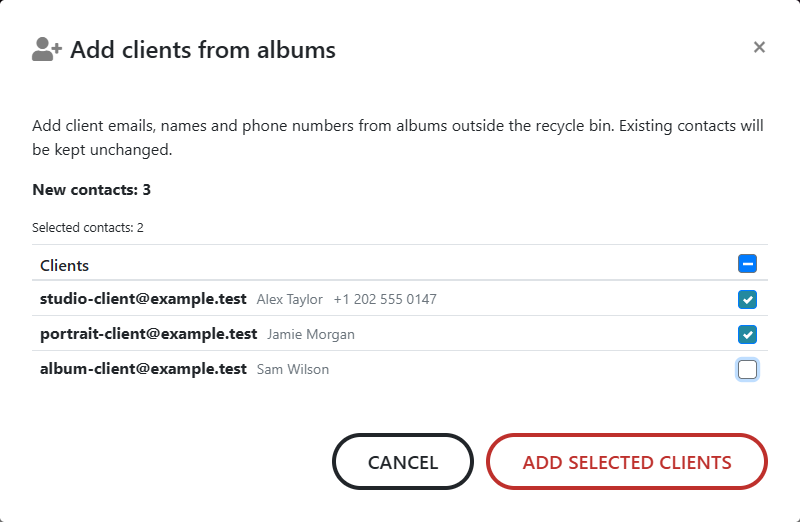
- In Studio, open My clients and click Add clients from albums. On mobile, you’ll find it under the three-dot menu.
- Review the suggested contacts and untick any you don’t need right now.
- Click Add selected clients. The contacts you chose will appear in your address book straight away.
Keep client details handy for your next album
SelectPhoto adds valid email addresses that are new to your address book from albums outside the recycle bin. If a contact has a name or phone number, those details come across too. You can then look up saved contacts when adding clients to another album.
This feature is available with every licence, including Free.
What else would make SelectPhoto easier to use in your day-to-day work? Email us at support@select.photo. Thanks for sharing your ideas!