
Gallery Help
The public Gallery lets you showcase your work. Publish selected albums and a photographer profile with your introduction and contact details.
Prepare your profile
Under Settings → Appearance and branding, enter your display name and Gallery introduction. Describe your work and add contact details or links to your website and social profiles. You can also set your logo and cover photo here.
Show profile in Gallery controls the visibility of your public profile. Check which contact details you are including before publishing. A link to your profile appears in the same settings section.
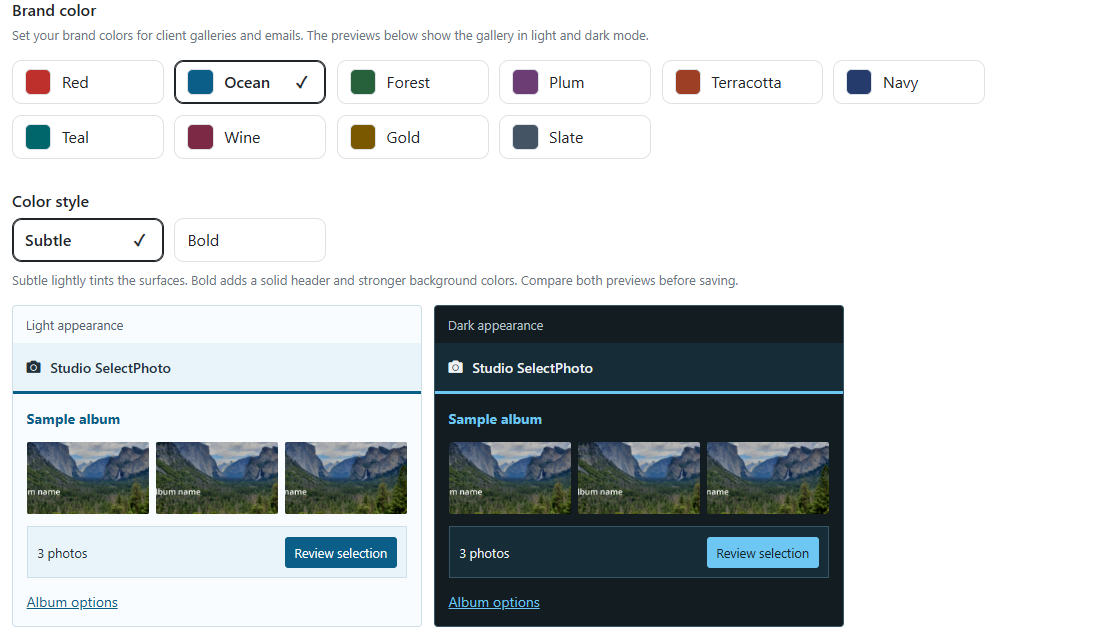
Choose albums for the public Gallery
Open the album settings and go to Clients and selections. In the sharing area, choose Public Gallery. Enter a description in the dialog, enable publication and save your changes.
The published album can appear in the Gallery and on your public profile. We may also feature selected albums on the SelectPhoto homepage. Publish only photos you have permission to use in this way.
Client selections and your public portfolio
Sending a normal invitation to a client does not add the album to the public Gallery. To invite clients to select photos, use Send album to clients or the appropriate option under Get link. Gallery publication is a separate choice for public presentation.
To stop showing an album publicly, return to Public Gallery and turn publication off. Hide your whole profile under Settings → Appearance and branding.
For help with settings, contact support@select.photo.